
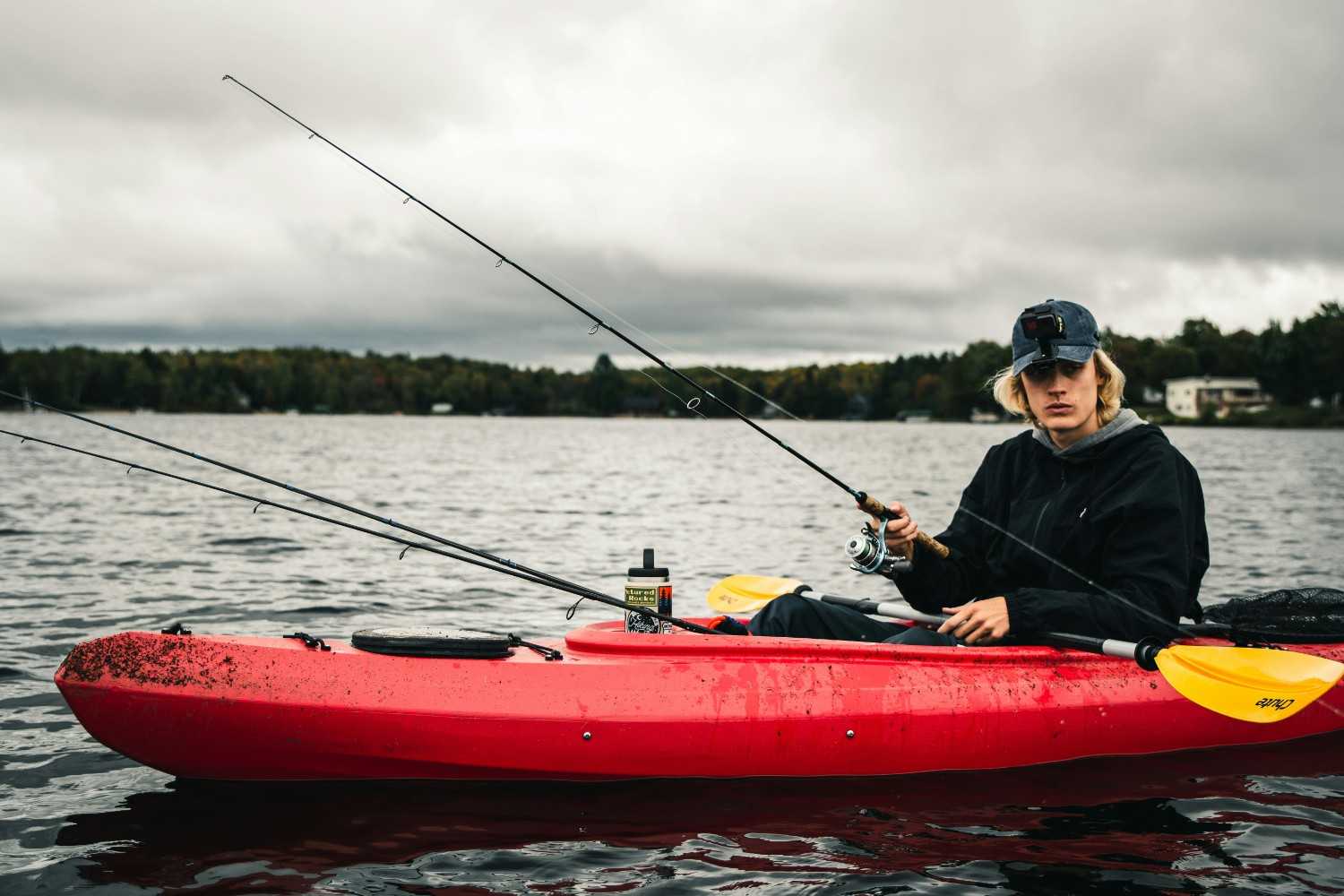
You bought a fish finder for your kayak. Mounted it. Turned it on. Maybe even spent a decent chunk of money.
Then you hit the water and… nothing makes sense.
The screen looks like a video game from 2007. Fish symbols everywhere one day, empty water the next. Depth jumping around. Weird lines. False readings. And somehow the guy fifty yards away keeps catching fish while you’re staring at electronics wondering what exactly you paid for.
Yeah. This frustrates almost everyone at first.
Here’s the thing nobody tells beginners: the best kayak fish finding setup isn’t about buying the most expensive electronics. It’s about balance. Screen placement, battery, transducer mount, sonar settings, and the way your kayak actually fishes — those matter more than chasing fancy features.
I’ve seen people catch limits using a cheap 5-inch unit because it was dialed in properly. I’ve also watched anglers waste thousands on premium gear mounted so badly it became useless.
Let’s fix that.
The #1 Mistake Most Kayak Anglers Make Right Away
People think a fish finder finds fish.
It doesn’t.
That’s the first mental shift.
A fish finder helps you find fish-holding areas.
Big difference.
You’re reading structure, bait movement, drop-offs, weed edges, submerged timber, rock piles, temperature shifts, and depth changes. Fish show up because food and protection are nearby.
Think of it like hunting. Tracks matter more than seeing the animal immediately.
The best kayak setup helps you understand what’s under you without turning your small fishing platform into a tangled mess of wires and batteries.
Because space matters. A lot.
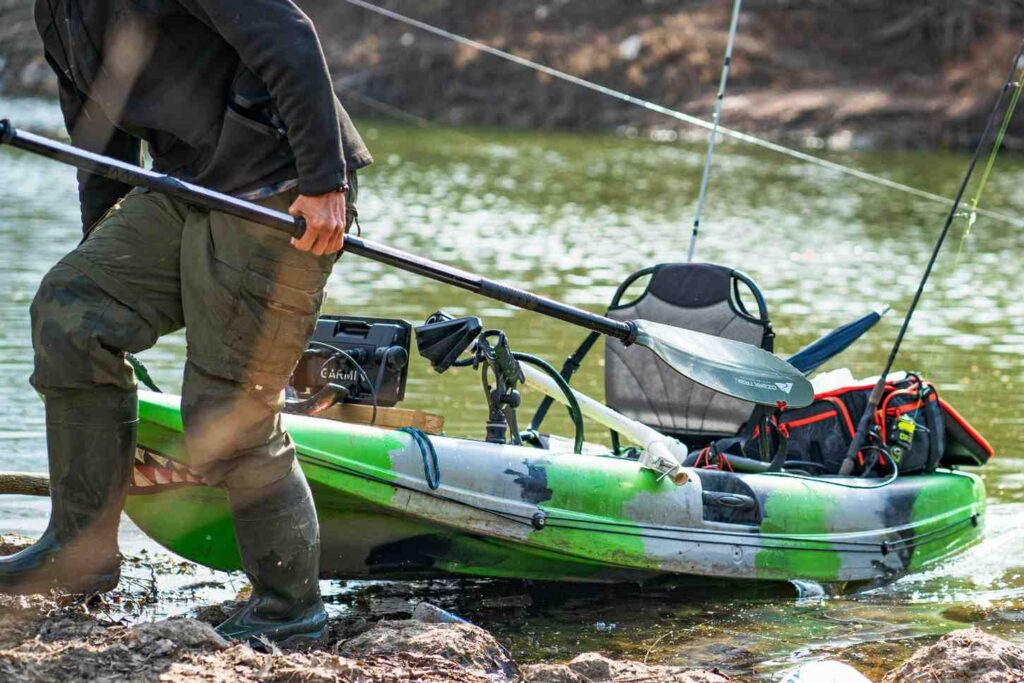
The Best Overall Kayak Fish Finding Setup (Simple and Proven)
If someone stopped me at a boat ramp and said:
“Give me the best setup that actually works without overcomplicating my kayak.”
This is where I’d start.
| Component | Best Setup |
| Fish Finder Screen | 5–7 inch display |
| Sonar Type | CHIRP + Down Imaging |
| Battery | 10Ah–20Ah lithium |
| Mount | Adjustable rail mount |
| Transducer | Arm mount or scupper mount |
| Screen Placement | Near knees, easy glance access |
| Waterproofing | Dielectric grease + sealed wiring |
Notice what’s missing?
No giant screen.
No crazy dual-battery setup.
No twenty accessories hanging off the kayak.
Simple beats complicated on a kayak. Every time.
Why a 5–7 Inch Fish Finder Is the Sweet Spot
Bigger sounds better until you’re actually paddling.
A massive screen looks cool online. Then reality hits.
Suddenly:
- Paddle hits the mount
- Rod gets tangled
- Screen blocks visibility
- Weight shifts awkwardly
- Battery drains faster
A 5-inch screen works for most anglers. A 7-inch screen feels luxurious if you have space.
Anything larger? Usually overkill unless you’re running a pedal kayak built like a mini bass boat.
This is the part everyone misses:
Screen readability matters more than screen size.
Bright sunlight destroys cheap displays.
You’ll want something readable with polarized sunglasses on. Otherwise you’re squinting all day.
Nobody enjoys that.
CHIRP Sonar vs Down Imaging: What Actually Matters?
Marketing makes this confusing.
Simple explanation?
CHIRP Sonar: Your Main Tool
This is your workhorse.
It helps with:
- Water depth
- Bottom hardness
- Suspended fish
- Bait schools
- General underwater picture
If you only had one feature, this would be it.
Down Imaging: Your Underwater Camera
Not a real camera. But close enough.
It helps separate structure.
Instead of a messy blob, you can see:
- Fallen trees
- Brush piles
- Rock transitions
- Weed edges
Imagine regular sonar as blurry eyesight.
Down imaging? Putting on glasses.
If budget allows, get both.
Side imaging sounds exciting too, but on kayaks it becomes a mixed bag.
Why?
You’re moving slower. Coverage angles get weird. Smaller water often doesn’t need it.
Useful? Sure.
Necessary? Usually no.
The #1 Reason Fish Finders Give Bad Readings
Bad transducer placement.
Hands down.
I’ve watched anglers blame their unit for months when the transducer was mounted crooked.
The transducer is basically your underwater eye.
If it tilts, vibrates, catches turbulence, or sits too high in the water, readings become junk.
You’ll see:
- Random depth spikes
- False fish marks
- Signal loss
- Broken bottom lines
- Screen clutter
The Best Transducer Mount for Kayaks
Three common options exist.
| Mount Type | Best For | Problem |
| Scupper Mount | Clean setup | Can scrape shallow areas |
| Arm Mount | Easy adjustment | Can catch weeds |
| Hull Mount | Protected | Signal loss sometimes |
For most anglers?
A transducer arm mount wins.
Why?
Easy access.
Hit shallow rocks? Pull it up.
Need adjustment? Simple.
Testing new placement? No drilling required.
Trust me on this. Permanent drilling before testing usually ends badly.
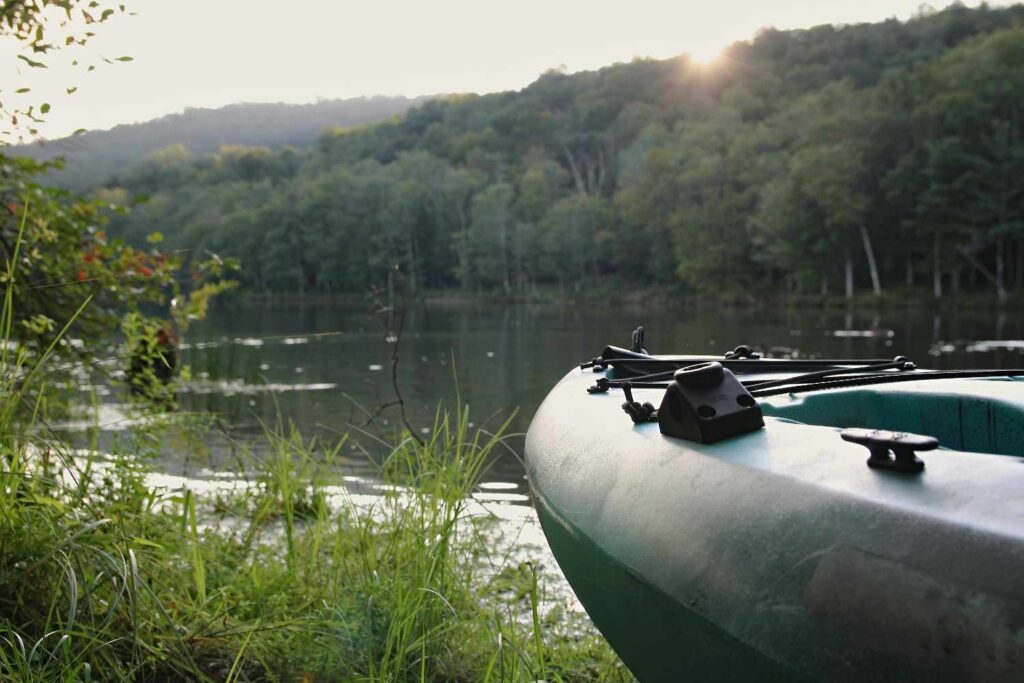
Battery Problems Ruin More Fishing Trips Than Bad Fishing
Nothing hurts worse than a dead screen halfway through a good bite.
You finally locate fish.
Boom.
Battery dead.
Cheap batteries are notorious for this.
What Battery Size Actually Works?
A small fish finder usually runs great on:
- 10Ah lithium battery for short trips
- 20Ah lithium battery for full-day fishing
Skip bulky sealed lead acid batteries if possible.
Heavy.
Slow charging.
Annoying in kayaks.
Lithium costs more upfront but weighs dramatically less.
And on kayaks, weight matters.
A heavy rear tankwell changes balance more than people realize.
Ever notice your kayak sitting weird in water?
Often battery placement.
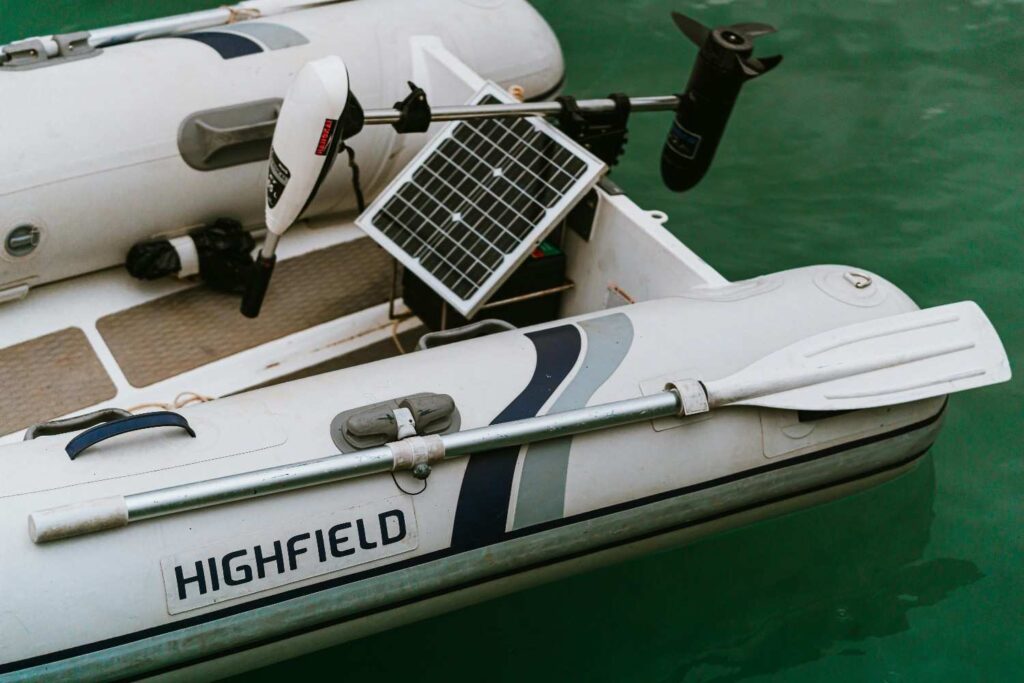
The Screen Placement Mistake Everyone Regrets
Mounting the screen too far forward.
Looks clean.
Terrible for fishing.
Why?
You stop checking it.
Every glance becomes awkward.
You lean.
Lose balance.
Miss casts.
Eventually you ignore it completely.
The ideal spot?
Close enough to glance at naturally without moving your body.
Usually near your knees or slightly off-center.
Quick glance. Back to fishing.
Done.
No gymnastics required.
Settings Matter More Than Expensive Equipment
Here’s an uncomfortable truth.
Most people never learn their settings.
They leave factory defaults on forever.
Then wonder why the screen looks terrible.
Sensitivity: The Setting Most People Fear
Too low?
You miss fish.
Too high?
Screen looks like television static.
Start around 70–80% sensitivity and adjust based on water clarity and depth.
Dirty water often needs tweaking.
Deep water changes things too.
Experiment.
This isn’t “set once forever.”
Fish Icons? Turn Them Off
I know.
This surprises people.
Those cartoon fish symbols?
Usually misleading.
A fish finder guesses.
Sometimes structure becomes fish.
Sometimes weeds become fish.
Sometimes bubbles become fish.
Learn arches instead.
You’ll become dramatically better at reading water.
And yes — confusing at first.
Worth it.
Absolutely.
The Weird Edge Case Nobody Talks About
Shallow weedy lakes.
This messes with people constantly.
You paddle through vegetation and suddenly your fish finder becomes chaos.
Random marks everywhere.
Messy screen.
Looks broken.
It’s not.
Your sonar is bouncing off vegetation.
Lower sensitivity slightly.
Slow down.
Use down imaging to separate weeds from actual fish.
Not every blob is a fish.
That’s expensive wishful thinking.
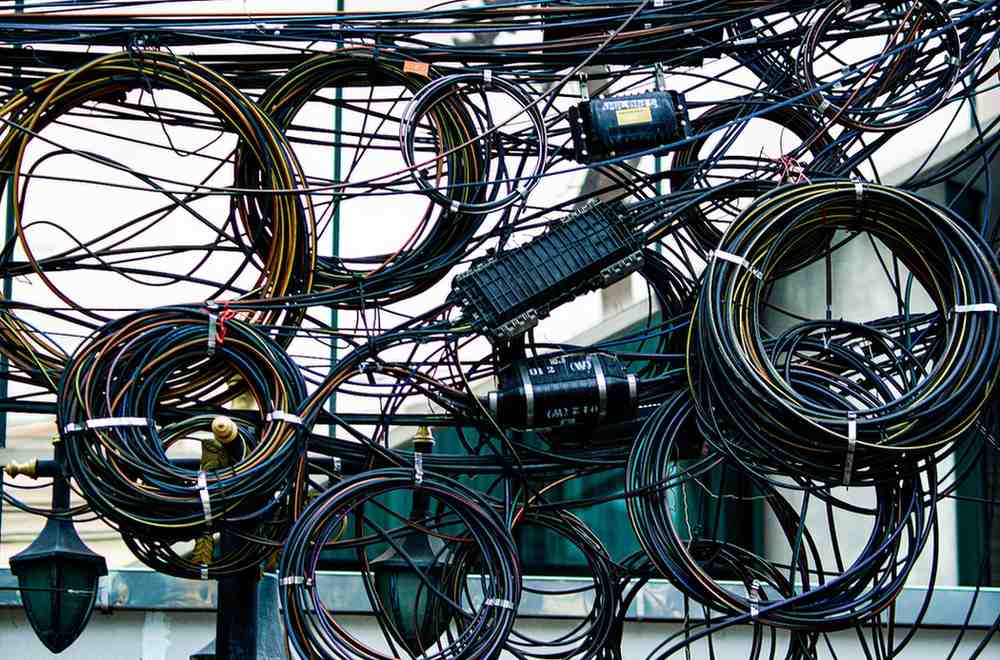
Cable Management: The Boring Thing That Saves Headaches
Nobody gets excited about wires.
“Until something snags mid-cast, which is why the right kayak accessories matter“
Or pulls loose.
Or gets soaked.
Keep cables:
- Tight
- Secured with clips
- Away from paddle movement
- Clear of foot pedals
- Protected from hooks
Hooks love fish finder wires.
For reasons nobody understands.
Add waterproof connectors if possible.
A little dielectric grease on connections prevents corrosion too.
Especially saltwater anglers.
Salt destroys electronics quietly.
Then suddenly.
Freshwater vs Saltwater Setup: Small Changes Matter
Different water. Different headaches.
| Freshwater | Saltwater |
| Standard wiring okay | Extra corrosion protection needed |
| Less screen glare issues | Bright glare often worse |
| Fewer corrosion concerns | Waterproofing matters more |
| Simpler maintenance | Rinse everything afterward |
Saltwater anglers ignore maintenance once.
Usually only once.
Corrosion teaches lessons fast.
Stop Chasing Fish — Find Structure Instead
This mindset changes everything.
Beginners hunt fish.
Experienced anglers hunt places fish want to live.
Look for:
- Drop-offs
- Weed edges
- Bait schools
- Rock piles
- Points
- Channels
- Temperature changes
- Submerged timber
Fish move.
Structure stays.
Find structure first. Fish follow.
Always.
A Setup That Actually Makes Sense for Most Kayak Anglers
If you want a practical recommendation without overspending:
Fish Finder: 5–7 inch CHIRP + Down Imaging unit
Battery: 10Ah or 20Ah lithium
Mount: Adjustable rail mount
Transducer: Swing arm mount
Placement: Knee-level easy glance position
Settings: Fish icons OFF, sensitivity adjusted manually
Simple.
Reliable.
Easy to troubleshoot.
Most important? It keeps your kayak fishable.
Because that gets forgotten.
You still need room for rods, tackle, paddle, net, and your own legs.
Crazy complicated setups look impressive online.
Then become annoying after three trips.
FAQ: Best Kayak Fish Finding Setup
What size fish finder is best for a kayak?
For most anglers, 5 to 7 inches hits the sweet spot. Big enough to read clearly without turning your kayak into a floating electronics store.
Do I really need side imaging on a kayak?
Usually no.
Nice feature? Sure.
Necessary? Not for most fishing situations. CHIRP and down imaging handle almost everything kayak anglers need.
Where should I mount my fish finder on a kayak?
Near knee level or within easy glance distance. Too far forward and you’ll stop checking it.
What battery lasts all day for a kayak fish finder?
A 20Ah lithium battery usually covers full-day trips comfortably. Smaller setups often do fine with 10Ah.
Are fish symbols accurate?
Not really.
Helpful for total beginners? Maybe.
Reliable long-term? No. Learning sonar arches gives better results.
Can I install a fish finder without drilling holes?
Absolutely.
Rail mounts and transducer arm systems work great and let you test placement before committing.
Why does my fish finder show fish but I catch nothing?
Classic problem.
Often you’re seeing bait, debris, or inactive fish. Structure, depth, season, water temperature, and lure choice still matter.
Fish finders help you make smarter decisions.
They don’t force fish to bite.
One last thing I wish every kayak angler knew from day one:
A clean, reliable setup beats an expensive complicated one.
You don’t need a floating command center.
You need gear that works quietly while you focus on fishing.
That’s when things finally start clicking.